Best email and website setup for a small business
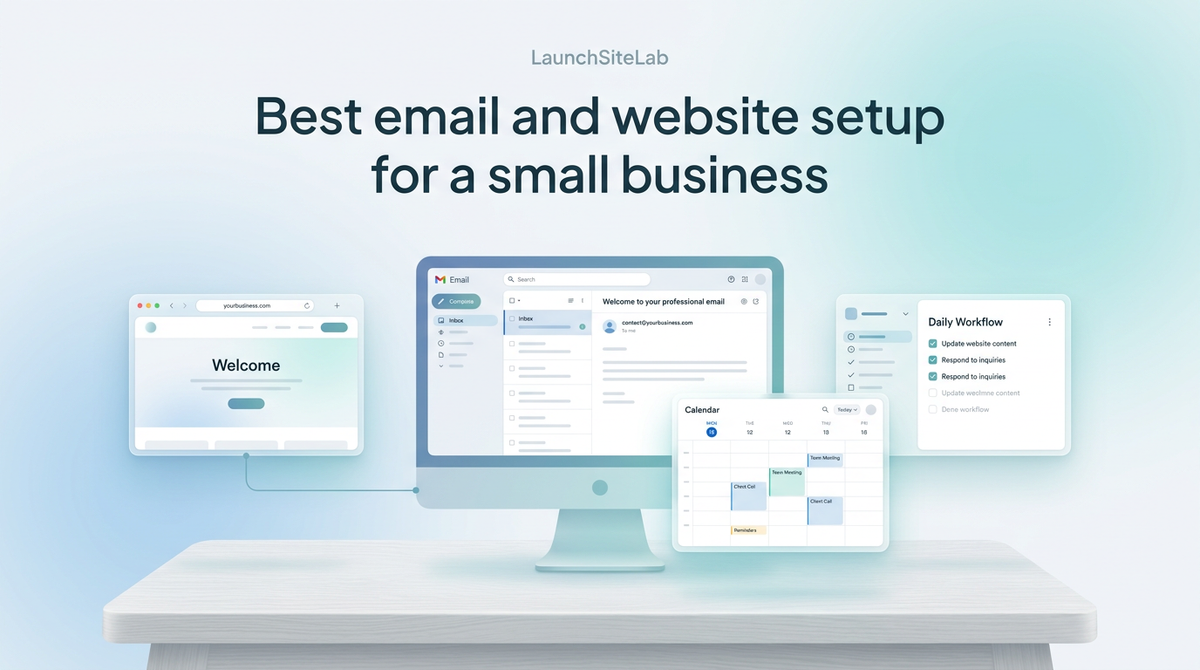
If you run a small business, the best email and website setup is usually not the most advanced one.
It is the one that is easy to launch, easy to manage, and hard to mess up.
For most small businesses, the best setup is:
- a simple website builder or straightforward website platform
- a domain you can manage without confusion
- Google Workspace for business email
That is the cleanest default recommendation.
If you are considering Squarespace for the website part of that setup, read Squarespace pricing for small businesses.
If your business already lives inside Outlook, Excel, and Teams, Microsoft 365 can also make sense. If your website needs more content flexibility, WordPress may be the better website choice. But for most small businesses starting or simplifying, the easiest setup usually wins.
If you want the separate pieces first, read Best business email for small businesses, Best website builder for local businesses, and Best domain registrar for small businesses.
Quick answer
For most small businesses, the best email and website setup looks like this:
| Part of the setup | Best default choice | Why |
|---|---|---|
| Domain | Simple registrar with clear DNS tools | Easier to connect website and email |
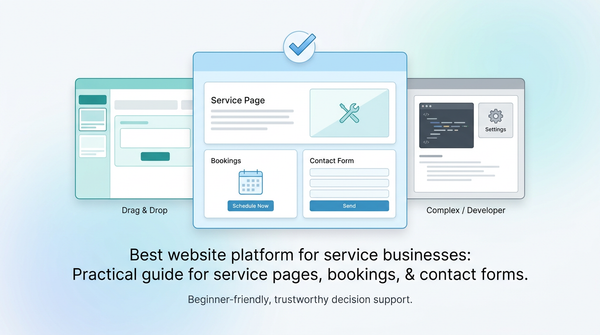
| Website | Simple builder or low-friction website platform | Easier to edit and maintain |
| Business email | Google Workspace | Easiest polished default for most businesses |
If your business mainly needs a trustworthy website, a professional email address, and a low-stress setup, do not overcomplicate it.
A simple setup is usually better than a more powerful setup you will not maintain properly.
For official product details, you can review Google Workspace pricing, Google’s guide to business email with Workspace, and Microsoft 365 business plans and pricing.
What a small business setup actually needs
A small business website and email setup usually has a simple job.
It needs to:
- make the business look legitimate
- make it easy for customers to contact you
- keep communication organized
- stay easy to update over time
- avoid turning every small change into a technical project
That means the best setup is usually the one that is easiest to manage after launch, not the one with the most features.
The best default setup for most small businesses
For most small businesses, I would recommend this structure:
1. A simple domain registrar
Your domain connects everything.
It affects:
- your website
- your business email
- DNS changes
- verification records
- redirects and future setup work
That is why the registrar should be simple and easy to manage, not just cheap in year one.
If you want help choosing that piece, read Best domain registrar for small businesses and How to set up business email on your domain.
2. A website platform that is easy to maintain
Most small businesses do not need a highly customized website.
They need a site that helps people:
- understand what the business does
- trust that it is real
- find contact details
- request a quote, book, or buy
That is why a simple builder or low-friction website platform is often the best default.
For many small businesses, the easiest choice is more valuable than the most flexible choice.
If your website is mainly a brochure-style or lead-generation site, start with Best website builder for local businesses.
3. Google Workspace for email
For most small businesses, Google Workspace is the easiest polished email recommendation.
Why?
Because it gives you:
- a custom email address on your domain
- Gmail, Calendar, Drive, and Docs in one system
- a familiar setup for many business owners
- a cleaner all-around workflow than mixing separate tools together
Google’s official business email materials position Workspace as an easy way to create an @yourbusiness address, and its pricing page shows the current Workspace plan structure for business users. If you want the pricing-specific view, read Google Workspace pricing for small business and Google’s official Google Workspace pricing page.
When Microsoft 365 is the better email choice
Google Workspace is not automatically the right answer for every business.
Microsoft 365 can make more sense if:
- you already live in Outlook and Excel
- your team works in Word, PowerPoint, and Teams all day
- you want Microsoft’s business email plus that broader work environment
Microsoft’s business plans include custom business email, Outlook, and cloud storage, with Business Basic and Business Standard positioned for small to medium-sized businesses. If your business is already Microsoft-shaped, Microsoft 365 can be the more natural email choice even if Google Workspace is the easier general default.
You can compare the official options on Microsoft’s business plans and pricing page and its business email overview.
When a builder is better than WordPress
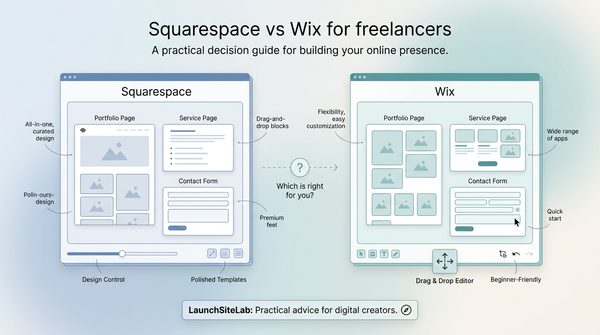
For a lot of small businesses, a builder is the better website choice.
Choose a builder-first setup if:
- the site is mainly informational
- you want easy updates
- you do not plan to publish a lot of content
- you want the lowest-maintenance route
This is especially true for local service businesses, solo operators, and businesses that mainly need a clean, trustworthy online presence.
When WordPress is better
WordPress makes more sense when:
- you plan to publish more content
- you want more flexibility later
- you are willing to deal with a little more setup
- your site is a bigger part of your long-term marketing plan
If that sounds closer to your business, start with Best hosting for small business WordPress sites and Shared hosting vs managed WordPress hosting for beginners.
WordPress itself recommends modern hosting requirements like current PHP versions, HTTPS support, and compatible database software, so if you go down that route, it is worth using a host that makes those basics easy to live with rather than just technically possible. You can see those official requirements on WordPress.org.
The two best small-business setup patterns
Simplest setup
Best for:
- local businesses
- solo service businesses
- small teams that want the easiest route
Recommended structure:
- simple domain registrar
- website builder
- Google Workspace
This is the best setup if your main goal is to look professional and make it easy for customers to contact you.
More flexible growth setup
Best for:
- businesses planning to publish content
- businesses that want more control
- businesses comfortable with a bit more setup complexity
Recommended structure:
- simple domain registrar
- WordPress website
- Google Workspace or Microsoft 365
This is the better setup when the website is expected to grow into a more active marketing asset.
Common mistakes small businesses make
Choosing each tool separately without a setup plan
A good stack works together.
Do not treat domain, website, and email as unrelated decisions.
Choosing only on first-year price
The first-year price is not the whole story.
Renewals, support, and ease of setup matter more over time.
Overcomplicating the website
Most small businesses need clarity and trust, not a technically impressive site.
Waiting too long to set up professional email
A proper email address on your domain does more for trust than many business owners expect.
If you want to compare Google Workspace and Microsoft 365 more directly on pricing, read Google Workspace vs Microsoft 365 pricing for small business.
My recommendation
If you want the best email and website setup for a small business, start with:
- a domain registrar that makes DNS and renewals easy
- a simple website builder if your site is mainly informational
- Google Workspace for business email
That is the cleanest default stack for most small businesses.
If your business is already built around Microsoft tools, Microsoft 365 becomes a strong alternative.
If your website needs more flexibility and content depth, WordPress may be the better website choice — but only if you are willing to accept a little more setup complexity.
Final answer
The best email and website setup for a small business is usually the simplest one that still feels professional.
For most businesses, that means:
- an easy-to-manage domain
- a straightforward website platform
- Google Workspace for email
That setup is usually easier to launch, easier to maintain, and easier to live with than a more complicated stack.