Wix pricing for freelancers
If you are looking at Wix for your freelance website, the main question is usually not whether Wix can work.
It can.
The real question is whether the pricing makes sense for the kind of freelance website you actually need.
For most freelancers, that means asking:
- Which Wix plan is enough to launch professionally?
- What do you get when you pay more?
- Is Wix worth choosing over Squarespace or WordPress?
The short answer is simple: most freelancers should start with the lowest Wix plan that gives them a custom domain, removes Wix branding, and keeps the site easy to manage.
If you want the broader platform decision first, read Squarespace vs Wix for freelancers, Best website builder for freelancers, and Best website stack for freelancers.
Quick answer
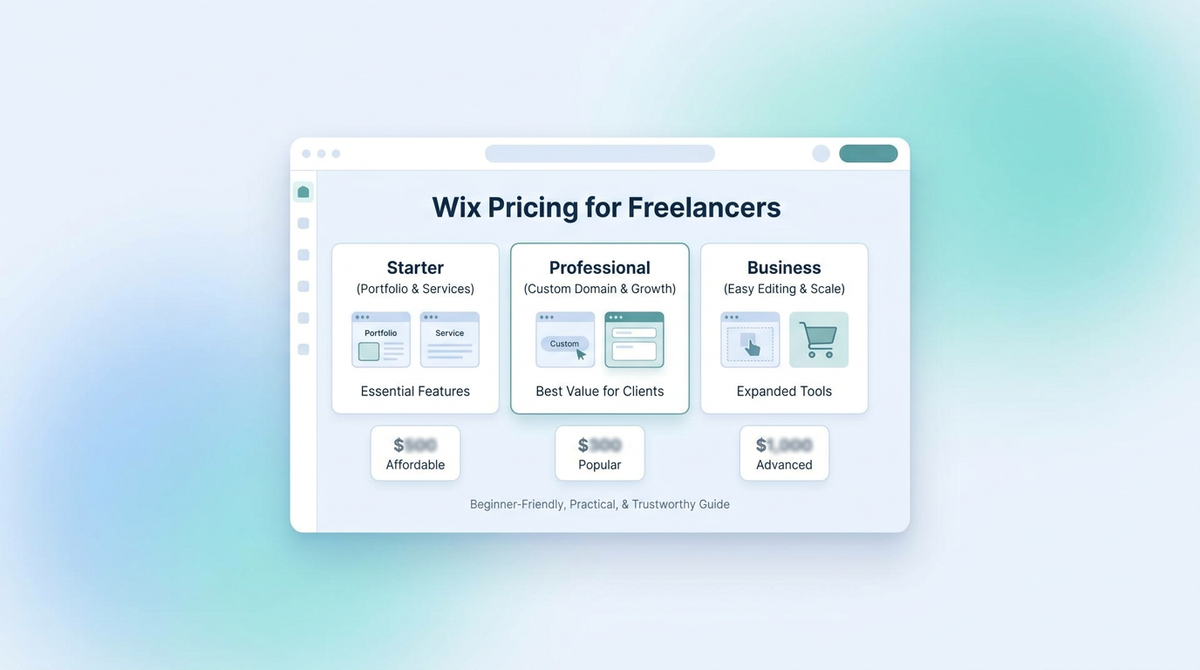
At the time of writing, Wix’s current plan guidance and pricing materials point to these broad plan levels:
| Plan | Best fit | Main reason to choose it |
|---|---|---|
| Light | Freelancers who need a simple professional site | Lowest paid path to a branded site |
| Core | Freelancers who want more business features | Better fit if you need stronger business tools |
| Business | Freelancers with broader business needs | More room for growth and additional business features |
| Business Elite | Larger or more advanced businesses | More than most freelancers need |
Wix’s own current pricing content and plan help pages describe paid plans ranging from Light at $17/month up to Business Elite at $159/month, with annual billing commonly used in the comparison. Wix also says Premium plans remove Wix branding, allow a custom domain, and include 24/7 support. For most freelancers, the real decision is usually between Light and Core.
For current official references, see Wix Premium plans, Wix Premium plan pricing, and Choosing a Premium Plan.
What freelancers should care about in Wix pricing
Freelancers usually do not need the most expensive website plan.
They need the one that makes it easy to:
- look professional
- connect a domain
- remove Wix branding
- update pages quickly
- manage inquiries or bookings
That means your pricing decision should focus less on feature overload and more on whether the plan supports a clean freelance workflow.
The most important Wix pricing question
The key question is this:
What is the cheapest Wix plan that still makes your site look credible?
For many freelancers, that is the first paid tier that gives you:
- a custom domain
- no Wix ads or branding
- a site that feels like a real business website
If a plan does not get you there, it is probably too limited for a client-facing freelance business.
Which Wix plan should freelancers choose?
Choose Light if
Light is the better fit if you:
- need a simple portfolio or service site
- mainly want a professional online presence
- do not need advanced business features yet
- want the lowest paid path that still looks legitimate
This is often enough for freelancers whose website mainly exists to:
- explain what they do
- show a few work examples
- make it easy to get in touch
Choose Core if
Core makes more sense if you:
- want stronger built-in business tools
- expect your site to do more than act like a brochure
- want more room for growth without moving plans immediately
For many freelancers, Core is where Wix starts to feel more like a business platform instead of just a builder.
Choose Business only if
Business becomes easier to justify if:
- your freelance website is turning into a broader business hub
- you expect more operational features or a more advanced setup
- you know you need more than the simpler plans offer
Most freelancers do not need to start here.
Skip Business Elite unless
- your freelance business is no longer really operating like a simple solo site
- you know you need a much bigger setup
- you are well beyond the normal freelancer use case
Is Wix expensive for freelancers?
For a freelancer, Wix is not the cheapest website option on the internet.
But expensive and overpriced are not the same thing.
Wix can still make sense if you care about:
- ease of use
- more layout freedom than a stricter builder
- faster setup than WordPress
- business tools in one place
If your only goal is to spend as little as possible, Wix may not feel like the best value.
If your goal is to get a freelance site online with less technical friction, the pricing can make sense.
If budget is the first filter, read Best cheap hosting for beginners that still feels easy to use.
Is Wix worth it for freelancers?
For many freelancers, yes, if you value flexibility and ease more than the absolute lowest cost.
Wix is usually worth it when:
- you want more editing freedom than Squarespace
- you do not want the extra complexity of WordPress
- you want a builder that can be shaped around your preferences
- you are willing to trade some simplicity for more control
Wix is usually not the best fit when:
- you want the cleanest polished result with the fewest decisions
- you are very price-sensitive
- you want the easiest default option with the least room for design drift
If that sounds like you, go back to Squarespace vs Wix for freelancers.
Wix vs Squarespace on pricing for freelancers
This is where many freelancers get stuck.
Wix often looks attractive because it gives you more flexibility and a wider plan range.
Squarespace often feels simpler because the positioning is cleaner and the polished result is easier to reach.
That means the pricing decision is not just about which number is lower.
It is about what kind of editing experience and design control you want.
Wix usually makes more sense if
- you want more freedom in layout and editing
- you expect to tweak the site more often
- you want more control over how pages are structured
Squarespace usually makes more sense if
- you want a cleaner, more guided default
- you care more about polish than flexibility
- you want fewer decisions to make after signup
Wix vs WordPress on pricing for freelancers
Wix usually wins on simplicity.
WordPress usually wins on flexibility.
But WordPress also comes with more setup, more maintenance, and more moving parts.
If you want to compare builder simplicity against WordPress flexibility, read Squarespace vs WordPress for freelancers and Best hosting for freelancers.
Common freelancer mistakes with Wix pricing
Choosing based only on the cheapest visible plan
The right plan is not just the cheapest one.
It is the cheapest one that still helps your site look professional.
Paying for more plan than the site actually needs
A lot of freelancers do not need higher business tiers on day one.
Ignoring the rest of the setup
Your builder is only one part of your setup.
You may also need:
- a domain
- business email
- a simple inquiry flow
- basic brand pages
That is why it helps to think about the whole system. For that, read Best business email for freelancers and How to set up business email on your domain.
My recommendation
If you are a freelancer and you want Wix, start with the lowest paid plan that gives you a custom domain and removes Wix branding, then move up only if your site truly needs more business functionality.
For many freelancers, that means starting simple and resisting the urge to overbuy.
If you already know you want stronger built-in business features, Core is easier to justify.
If you just want a polished site that is easier by default, Squarespace may still be the better overall choice.
Final answer
Wix pricing for freelancers makes sense if you want more editing freedom than Squarespace and less complexity than WordPress.
For most freelancers, the smartest move is to choose the lowest Wix plan that still makes the site look credible, then upgrade only when your workflow genuinely demands it.